
Home WordPress essentials Adding Blocks
Adding Blocks
New blocks are added with the plus button, either at the top of the editor or beside an empty line. You can also type a forward slash on an empty line followed by the block name, such as /image, to add one without reaching for the mouse.
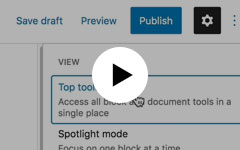
Videos not enabled.
Searching by name is quicker than scrolling the whole list. If a block you have seen elsewhere is missing, it may come from a plugin that isn’t installed on your site.
MerlinFX client? Have this task done and recorded for your site.
More in editor overview
The interface changed again. Your actual job has not.
Your website should be handled. Not handed back to you.
Free tool
What could go wrong?
Pick a situation, say what you know, and get one useful question to ask.
Open the tool